A native light-professional image editor for HarmonyOS PC/Pad, rivaling Pixelmator Pro"
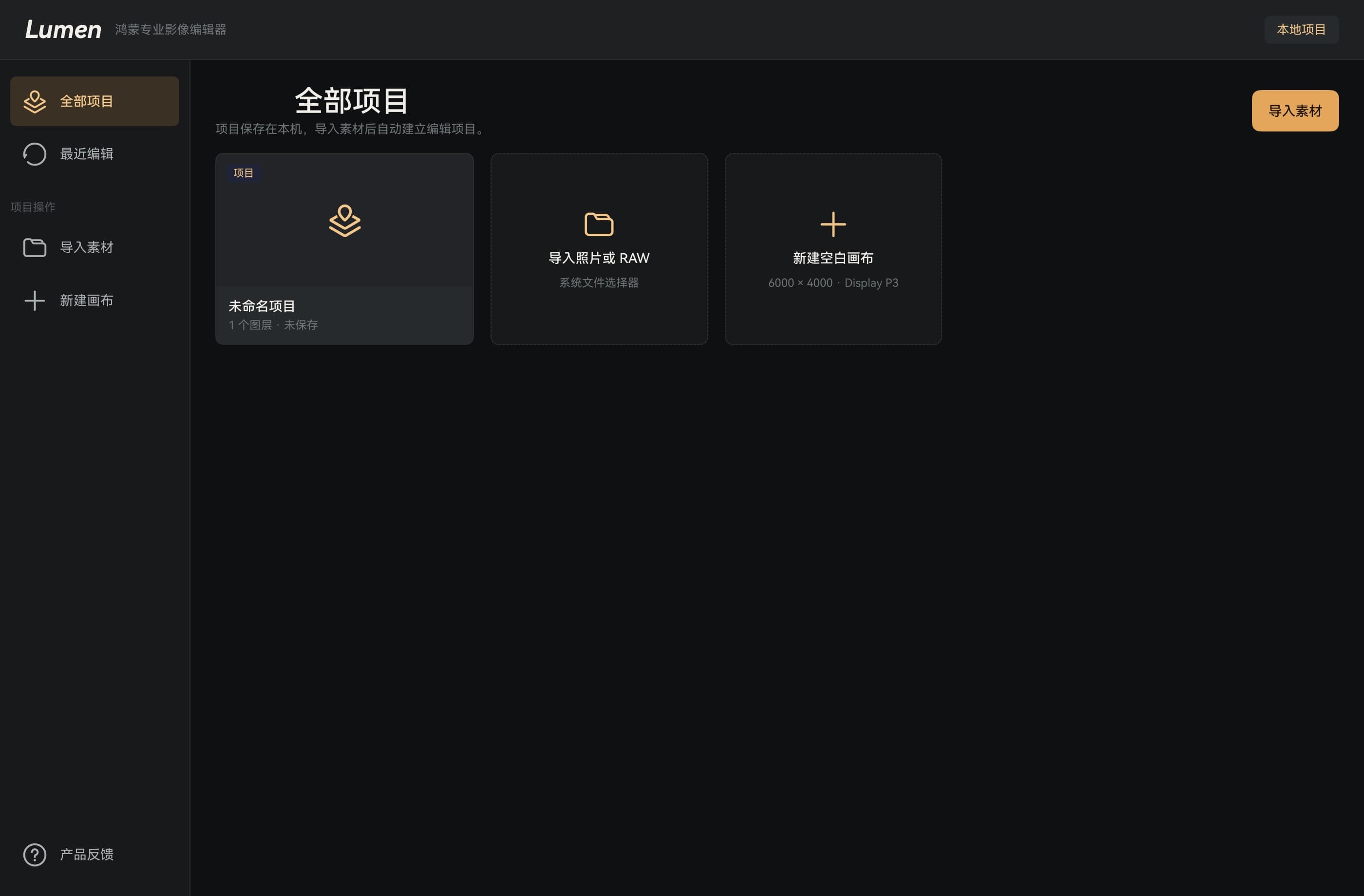
Lumen sits between system-level photo editing and Photoshop-grade professional tools, targeting photography enthusiasts, light creators, and content producers. The V1 MVP focuses on four core capabilities: 1) Complete layer system (image/adjustment/text/shape layers, masks, blend modes, grouping); 2) Full RAW workflow (import, decode, non-destructive adjustments, high-quality export); 3) Non-destructive parametric editing engine; 4) Professional color grading and local masking. The product adheres to a 'professional yet approachable' philosophy, with full Chinese UI and automatic dark/light mode adaptation in V1. AI Engine, AI Agent, and MCP interfaces are reserved but not user-facing in MVP.
Design
"Lumen adopts the HarmonyOS native design language, with the UI layer built on ArkUI/ArkTS and the editor using a state-driven architecture. The canvas area is independently encapsulated to ensure rendering performance is unaffected by UI state updates. Design principles emphasize: clean initial interface, progressive disclosure of professional features, context-aware toolbar and inspector panel switching, and full support for PC keyboard/pointer input and Pad touch/M-Pencil input. The project includes a dedicated lumen-ui-design design system covering component libraries, color systems, and interaction specifications. V1 is Chinese-only with automatic system dark/light mode adaptation.
Architecture
Six-layer architecture: 1) Presentation Layer — Home, Editor Shell, Canvas View, Toolbars, Inspector Panels, Layer Panel, Export Panel, Help/Feedback UI; 2) Application Layer — Editor Session, Tool Controller, Command Dispatcher, History Manager, Project/Import/Export Service, RAW Service, Entitlement Service, AI Agent Service, Feedback Service, Analytics Service; 3) Domain Layer — Project/Layer/Adjustment/Mask/Text/Shape Models, Render Graph, RAW Model, Command Model; 4) Engine Layer — Render Engine, RAW Engine (Native C++), Adjustment/Mask/Blend Engine, AI Engine Adapter, MCP Tool Adapter; 5) Infrastructure Layer — Local File Store, Project Database, Media Library Adapter, Subscription Provider Adapter, Cloud Sync Adapter; 6) Backend/Admin Layer — Fastify API + React/Vite admin console + PostgreSQL/Drizzle ORM. The HarmonyOS client bridges the ArkTS business layer with the C++ native image engine via NAPI, the backend uses a Node.js Fastify monolith.
Tech Stack
Links
Messages
Anyone can leave a message or reply. Author replies are labeled automatically when logged in.